ONESOURCE
Workpapers Help
Update the Add-in Version
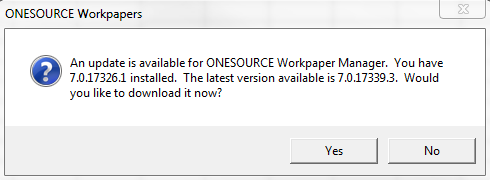
When you open Excel, you may receive a pop-up notifying you about a new release of the Workpapers Add-in.
Add-in upgrades are optional, but we recommend you install them to ensure you have the latest features.
If you receive a pop-up about a newer Add-in version:
- Select Yes.
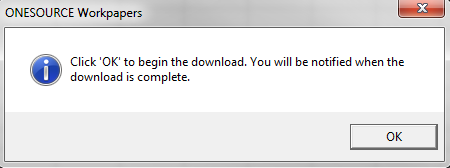
- Select a directory to save the file, and then select OK to start the download.
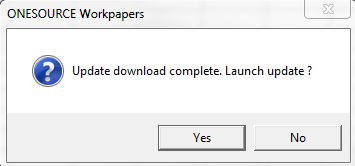
- Select Yes to launch the update.
- Select Next.
If your computer has an outdated version of the Microsoft .NET Framework, you receive the Welcome to the Prerequisites Setup Wizard pop-up. The installer asks you if you want the Microsoft .NET Framework upgraded for you.
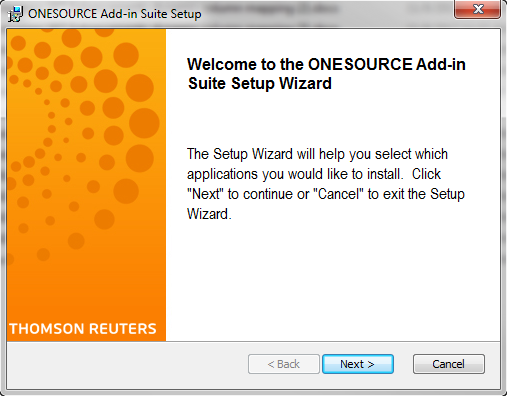
- Close all instances of Excel and return to the installation wizard.
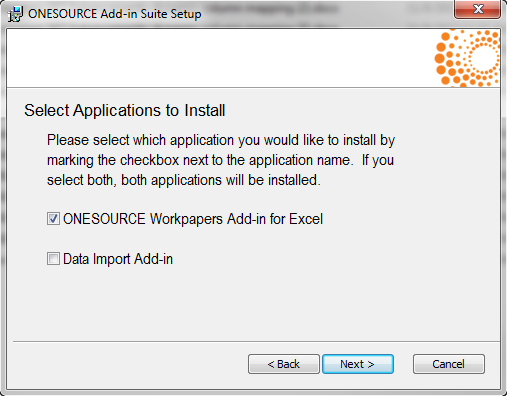
- Select ONESOURCE Workpapers Add-in for Excel, and then select Next.
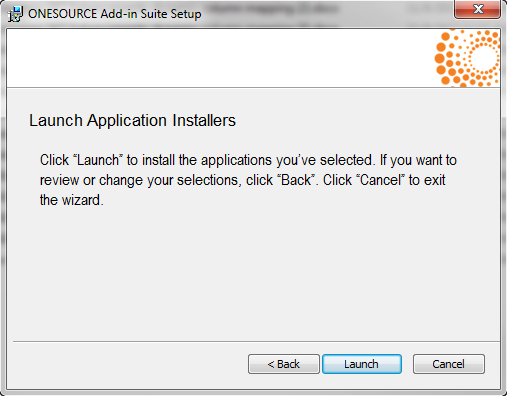
- Select Launch to install the Add-In.
A security warning may appear, depending on your workstation's settings. If this message appears, select Run.
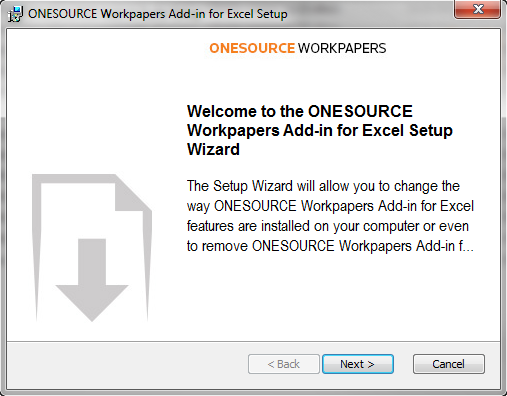
- Select Next.
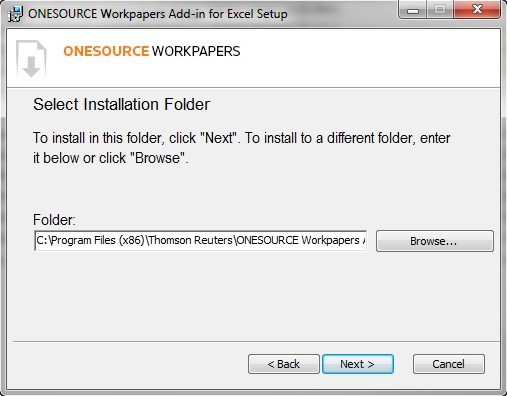
- Select an installation folder for the Add-in files, and then select Next.
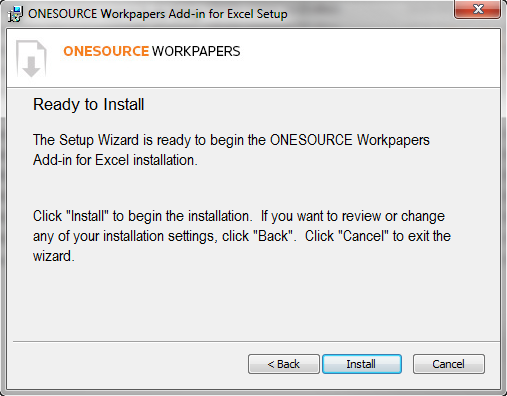
- Select Install.
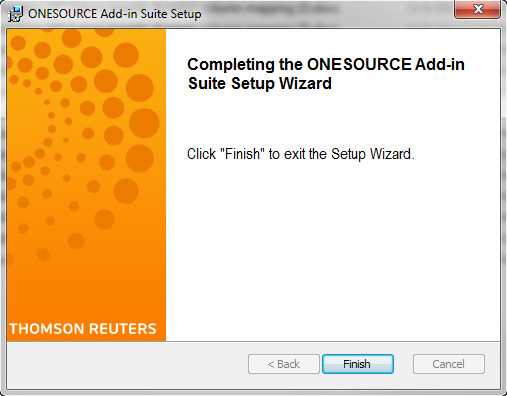
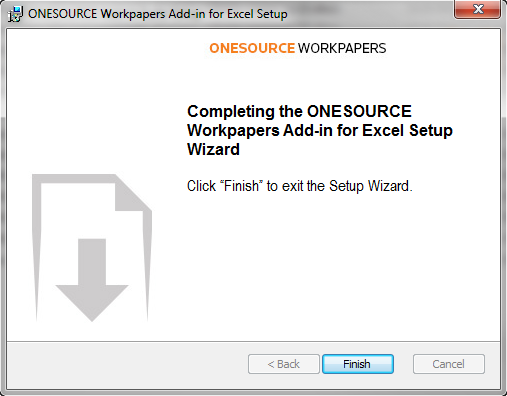
- Select Finish.
-
Select Finish again when the setup is complete.